The Problem With "Testing On" Users
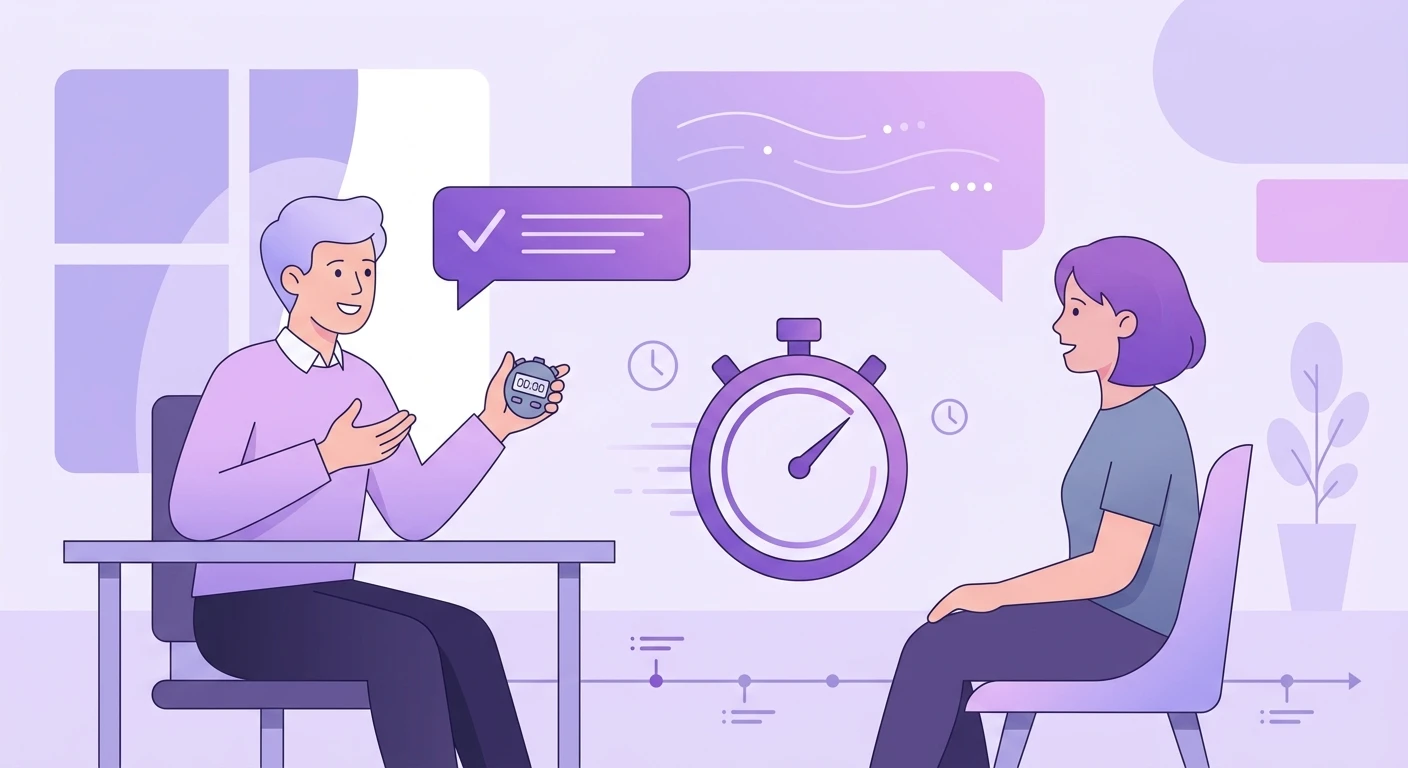
The standard UX research playbook goes something like this: designers create something, researchers put it in front of users, users struggle or succeed, and the team iterates. Rinse, repeat.
This process works for catching surface-level usability issues. But it has a fundamental flaw: users are subjects, not collaborators. They react to your vision rather than contributing their own. You end up optimizing within the boundaries of what your team already imagined, never discovering what users would have built if given the chance.
This is how teams fall into the build trap -- shipping features that test well in labs but miss what people actually need in their lives.
Participatory design research offers a fundamentally different approach.
What Participatory Design Actually Looks Like
Participatory design (PD) is not a single method. It is a research philosophy that treats users as experts in their own experience and gives them direct influence over what gets built.
In practice, it shows up in several forms:
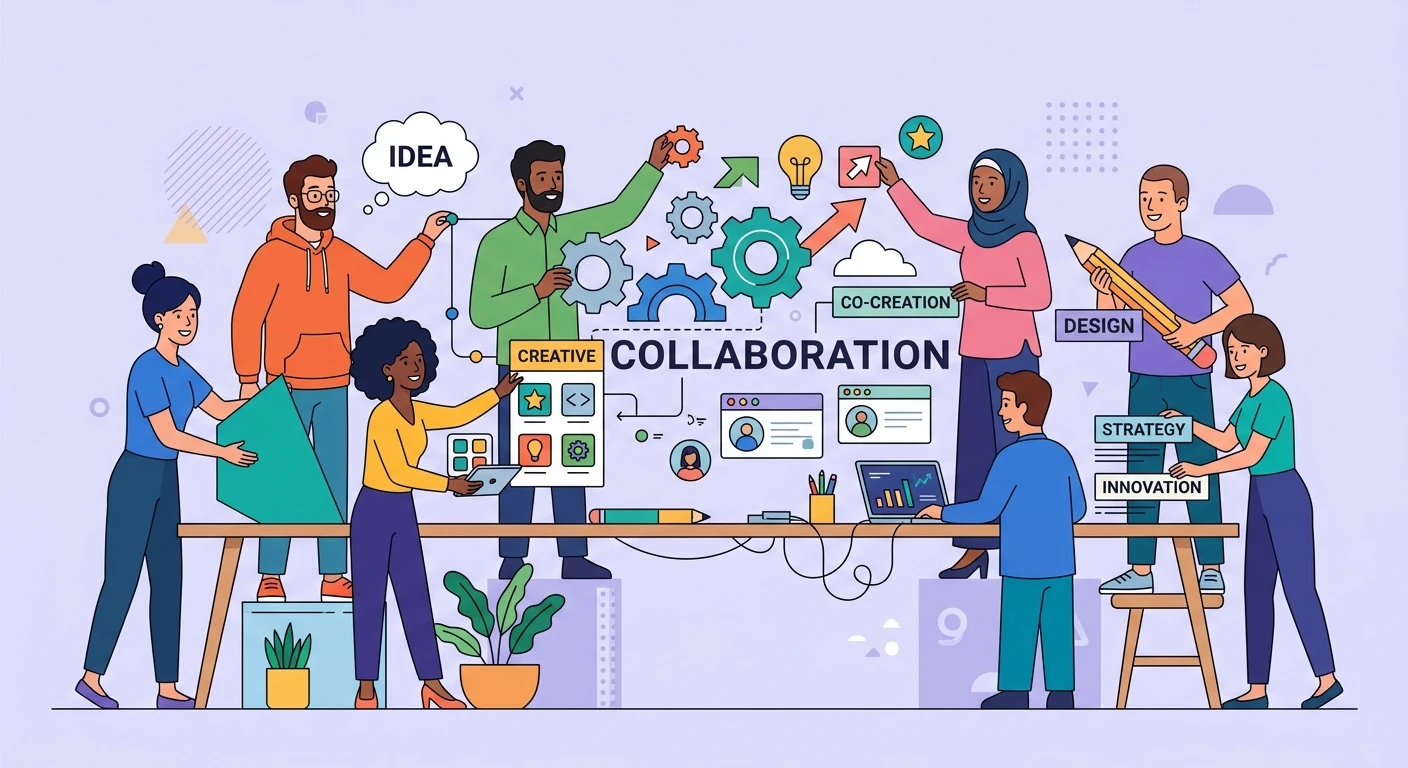
Co-design workshops bring 6-12 users together with designers and product managers for structured creative sessions. Instead of asking users to evaluate existing concepts, you give them raw materials -- cards, sketches, templates, digital tools -- and ask them to build solutions to their own problems.
Prototype co-creation goes a step further. Users work alongside designers to shape prototypes in real time. This is not user testing. The user is holding the pen (or the mouse), making decisions about layout, flow, and priority.
Contextual design sessions embed researchers in users' actual environments -- their offices, kitchens, workflows -- and collaboratively map problems and solutions on the spot. You see what they see, and you build together.
Generative toolkits give participants structured prompts and physical or digital materials to externalize their needs, desires, and mental models before any design work begins. Think collage exercises, card sorts where users create the categories, or diary studies with creative prompts.
The common thread: users generate, not just evaluate.
When Participatory Methods Outperform Traditional Usability Testing
Usability testing answers the question: "Can people use what we built?" Participatory design answers a harder question: "Are we building the right thing?"
Here is when PD delivers outsized value:
Early-stage product discovery. When you do not yet know what to build, putting a prototype in front of users is premature. You are anchoring them to your assumptions. Co-design sessions surface needs and solutions you would never have found through testing alone.
Complex domain products. Building for healthcare professionals, financial analysts, or supply chain managers? These users have deep expertise your design team lacks. Participatory methods extract that expertise and channel it directly into product decisions.
Equity-focused design. When you are building for communities you do not belong to, traditional testing reinforces your blind spots. PD shifts power to the people who will actually use the product, producing more inclusive outcomes.
Breakthrough innovation. Incremental improvements come from usability testing. Category-defining products come from deeply understanding unmet needs. The rise of builder culture shows that the best products emerge when the gap between user insight and product creation collapses.
Reducing iteration cycles. Teams that co-create with users in the first round often skip two or three rounds of test-and-iterate. The initial design is closer to right because it was shaped by real needs from day one.
How to Structure a Co-Design Session That Produces Actionable Results
A bad co-design session feels like a brainstorm that goes nowhere. A good one produces artifacts your product team can ship against. Here is the structure that works:
1. Define the Design Space, Not the Solution
Before the session, frame the problem broadly enough that participants have room to surprise you, but narrow enough that outputs are actionable. "How should our dashboard look?" is too narrow. "How do you make sense of complex data in your daily work?" opens up the space.
2. Recruit for Diversity of Experience
You want 6-12 participants who represent different use cases, expertise levels, and contexts. Mix power users with newcomers. Include edge cases. The friction between different perspectives is where the best insights live.
3. Warm Up With Generative Exercises
Start with 15-20 minutes of individual generative work. Give participants prompts and materials to externalize their experiences before group discussion begins. This prevents groupthink and ensures quieter voices contribute.
Examples: "Draw your current workflow and circle the three biggest pain points." "Create a collage of what your ideal experience would feel like." "Write three wish-list features on separate cards and rank them."
4. Collaborative Building Phase
This is the core of the session (45-60 minutes). Small groups of 3-4 participants work together to create tangible artifacts: paper prototypes, journey maps, feature priority matrices, or storyboards.
The facilitator's job is to keep groups focused on the design space while staying out of the creative process. Resist the urge to correct or redirect. Document everything.
5. Share-Back and Synthesis
Each group presents their artifacts (10 minutes per group). The full room discusses patterns, tensions, and surprises. The facilitation team captures themes in real time.
6. Translate to Product Artifacts
This step happens after the session, but it is the most important. Within 48 hours, the research team should produce:
- A synthesis document mapping participant-generated solutions to product opportunities
- Prioritized design directions with supporting evidence from the session
- Specific user stories or requirements derived from co-created artifacts
- Photos and documentation of all physical artifacts
Without this translation step, co-design sessions produce warm feelings but not product direction.
Common Pitfalls and How to Avoid Them
"Participatory theater." Inviting users to a workshop but steering them toward predetermined conclusions. If you already know what you want to build, do usability testing. Do not waste participants' time pretending to co-create.
No follow-through. Users invest real creative energy in these sessions. If their contributions disappear into a void, you burn trust and make future recruitment harder. Close the loop: show participants how their input shaped the product.
Skipping the expertise gap. Facilitators need real skill. Co-design is not "just a workshop." Invest in facilitation training or hire experienced practitioners for your first few sessions.
Treating outputs as specifications. Co-design produces directional insight, not pixel-perfect specifications. The design team still needs to synthesize, refine, and validate. PD replaces the discovery phase, not the entire design process.
Scaling Participatory Research With AI
The biggest objection to participatory design is scale. Workshops are time-intensive. Recruiting is hard. Analysis takes weeks.
This is where the landscape is changing fast.
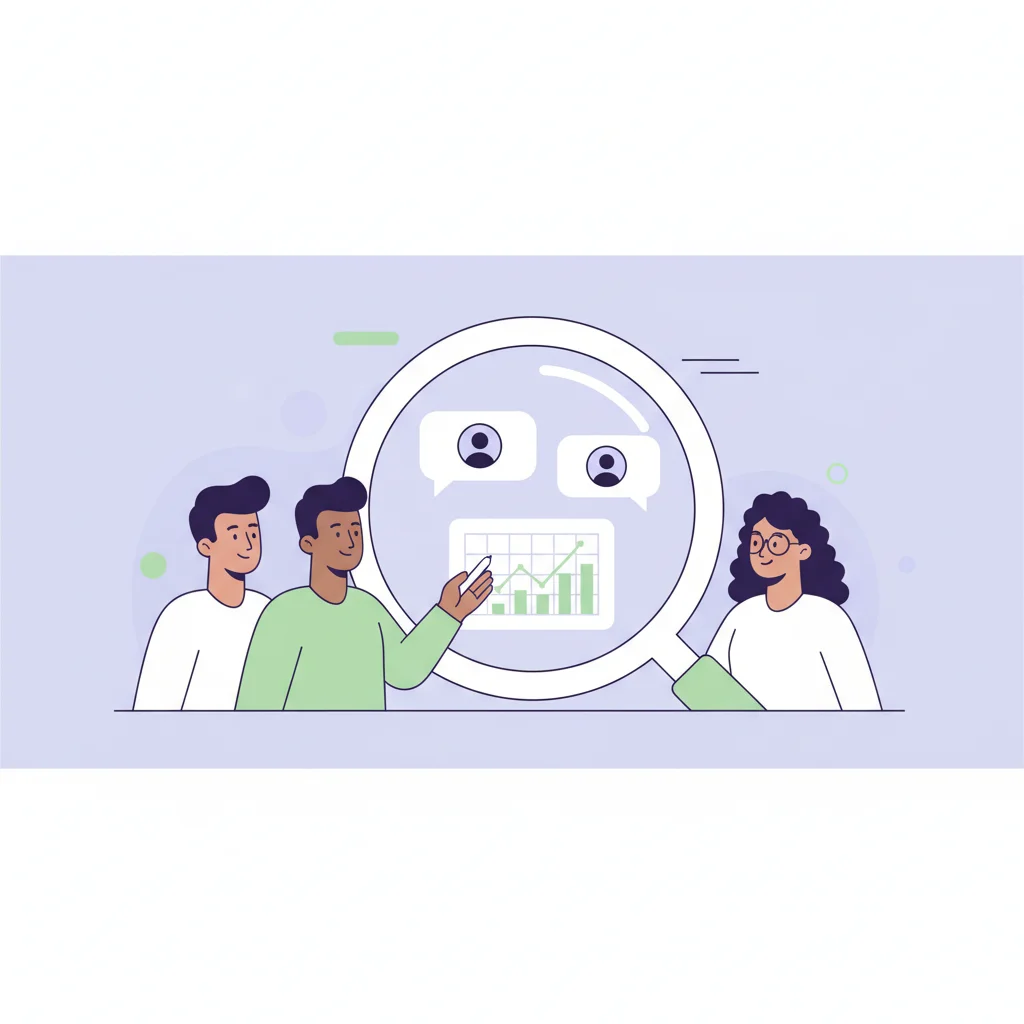
AI-assisted synthesis can process hours of workshop recordings, transcripts, and artifact photos to identify themes and patterns in minutes rather than weeks. Instead of one researcher spending days coding sticky notes, AI tools surface clusters and contradictions across sessions automatically.
Remote and asynchronous co-design platforms let you run participatory exercises with hundreds of users across time zones. Participants contribute generative artifacts on their own schedule, and AI helps researchers make sense of the volume.
[Democratizing research across product teams](https://qualz.ai/blog/research-democratization-empower-product-teams) means co-design no longer bottlenecks on a single research team. Product managers and designers can run lightweight co-creation exercises with AI handling the analysis overhead.
Automated pattern matching across multiple co-design sessions surfaces insights that no single researcher could hold in their head. When you have run 10 sessions with 100 total participants, AI can identify the non-obvious connections between what different user segments created.
The key principle: AI should amplify the participatory process, not replace it. The magic of co-design is human creativity and lived experience. AI handles the logistics and analysis that previously made PD impractical at scale.
This mirrors the broader shift toward evaluation-driven approaches in product development -- using systematic methods to validate that what you are building actually serves users, not just your internal assumptions.
Making the Shift
You do not need to abandon usability testing. The best research programs use both: participatory methods for discovery and direction-setting, traditional testing for validation and refinement.
Start small. Pick one upcoming product decision where you genuinely do not know the right direction. Run a single co-design session instead of (or before) your usual prototype test. Compare the quality of insight.
Most teams that try participatory design once never go back to pure test-and-iterate. When you have experienced users as collaborators rather than subjects, the old way feels like flying blind.
The products that win are not the ones that test best in a lab. They are the ones built with the people who use them.