Onboarding Process
First-time login?
Don't worry, you'll be guided through the onboarding process. Set up your profile, explore features, and start your first study in minutes!
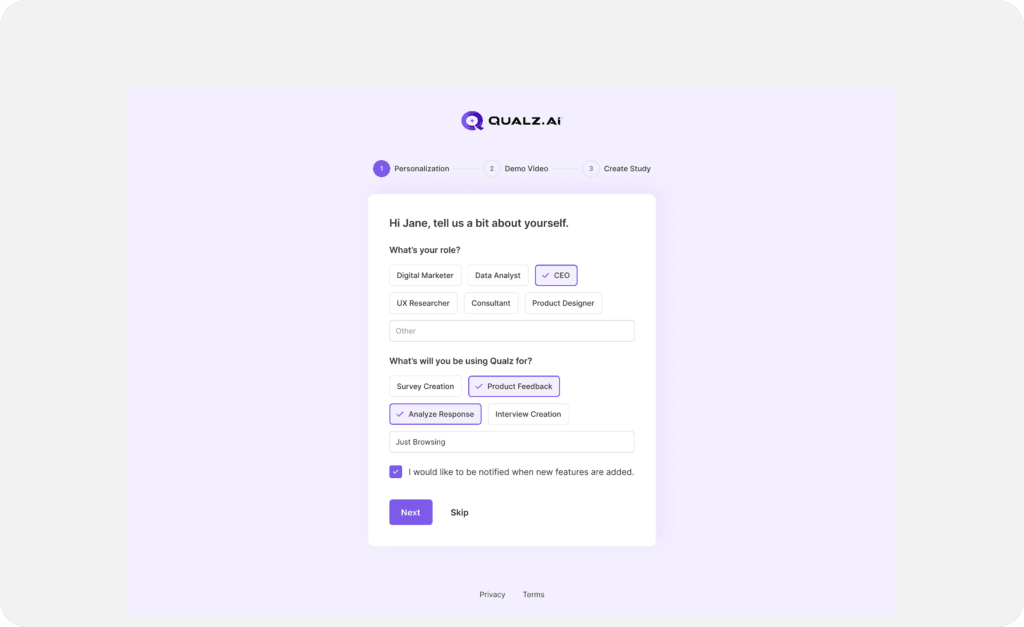
Personalization Details
- Enter your Role by selecting from the list or typing your current role.
- Select or enter your purpose for using Qualz from the provided list.
- To stay updated, check "I would like to be notified."
- Click Next to proceed, or Skip to bypass personalization details.
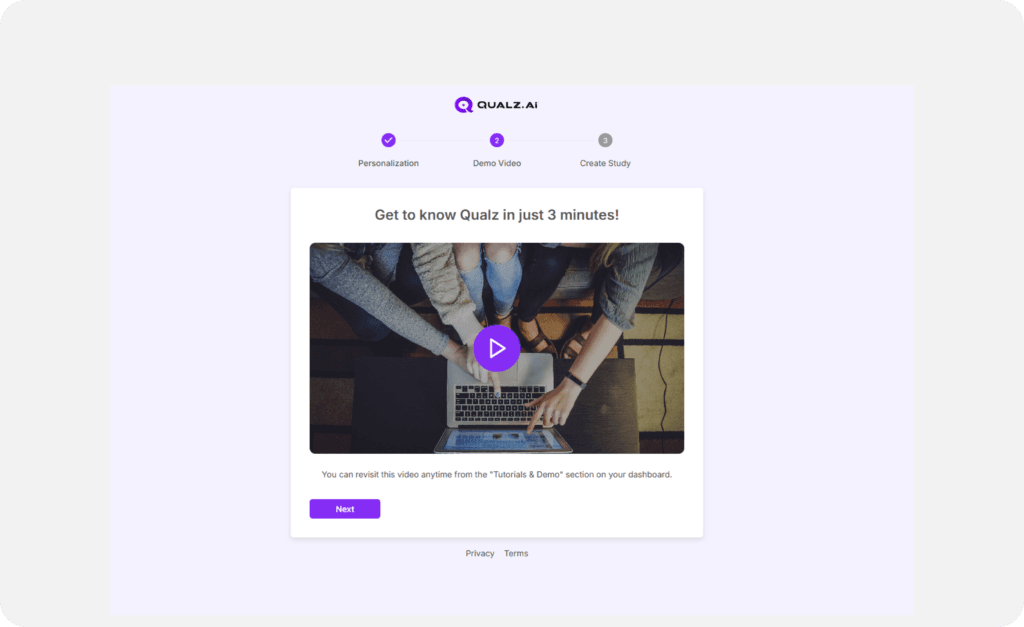
Welcome Video (Optional)
- Watch the welcome video for a quick overview of Qualz’s features.
- Click Next (or Skip) to finish onboarding.
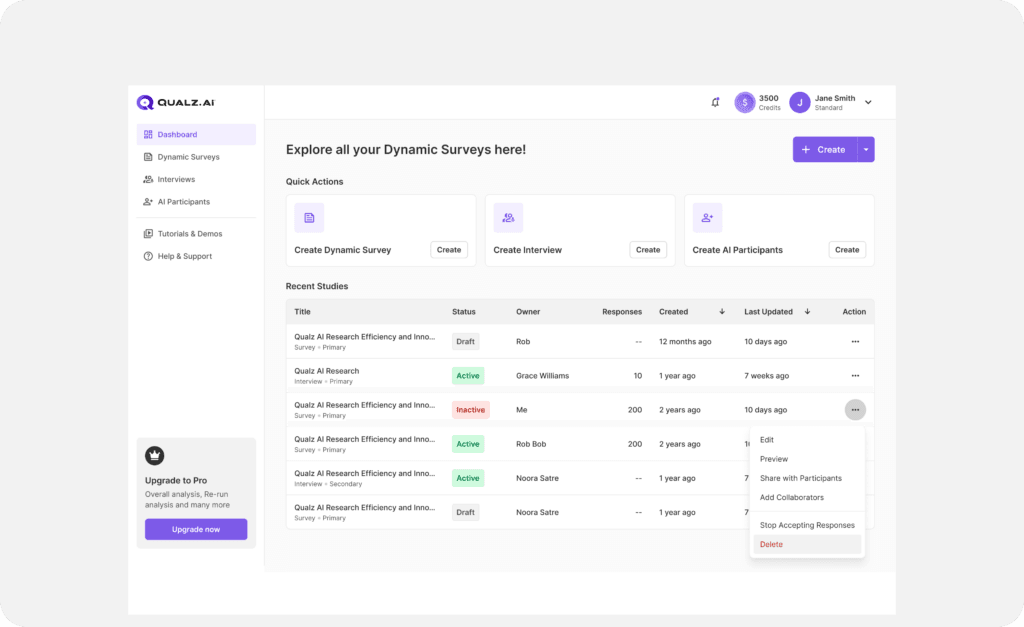
Dashboard
- Once you finish (or skip) the two onboarding steps, you're redirected to the Dashboard and can start using Qualz.
If you need help, our support team is just a click away!